
01
Rebrand your own footage
Remove an old logo, channel name, or agency watermark from your own videos before publishing them under a new brand.
Erase logos and watermarks without blur, crop, or a patch
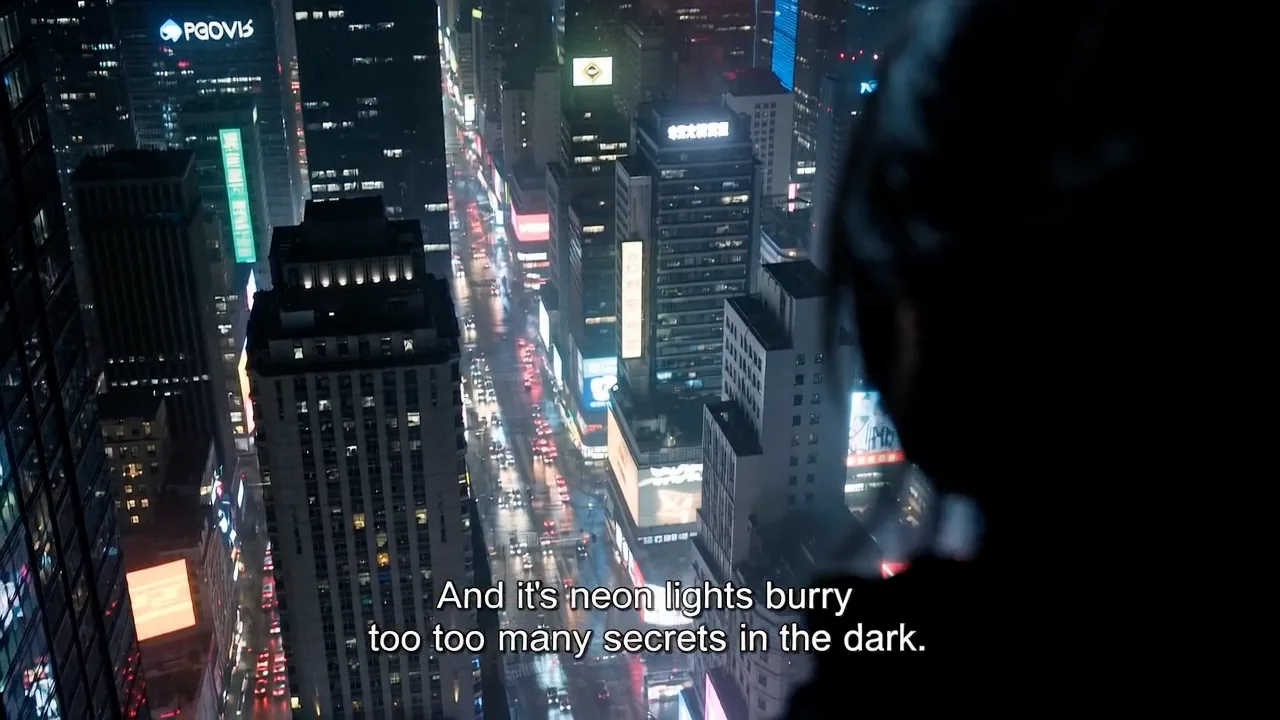
Remove watermark from video by drawing a box over it. The logo, channel bug, or text overlay is erased frame by frame, and the scene behind it is rebuilt from neighboring frames. Burned-in subtitles and captions come off the same way.
Interactive preview

MP4, MOV, MKV, WebM, M4V or AVI · up to 1 GB · up to 2K
Settings
What to remove
Which mode should you use?
Auto
Detects and erases subtitles in the lower 50% of the frame. Cheapest and fastest, but the cleaned area can soften on a busy background.
Box select
Rebuilds the background texture behind the text, so the cleaned area keeps its detail. Draw the region yourself to reach watermarks, logos, or titles anywhere in the frame.
Every task is also saved in your Studio history
To remove a watermark from a video is to erase a logo, channel bug, timestamp, or text overlay that is burned into the picture and rebuild what was behind it. The mark is painted out frame by frame, so the background stays continuous instead of being blurred, cropped, or covered.
At a glance
The most common reasons to clean a watermark off footage you own.
Remove an old logo, channel name, or agency watermark from your own videos before publishing them under a new brand.
Clear the watermark an app or platform stamped on your own upload before posting the same video elsewhere, so every channel shows a clean frame.
Remove burned-in date stamps, camera timestamps, broadcast bugs, or old station logos from recordings you own, while keeping the whole frame usable.
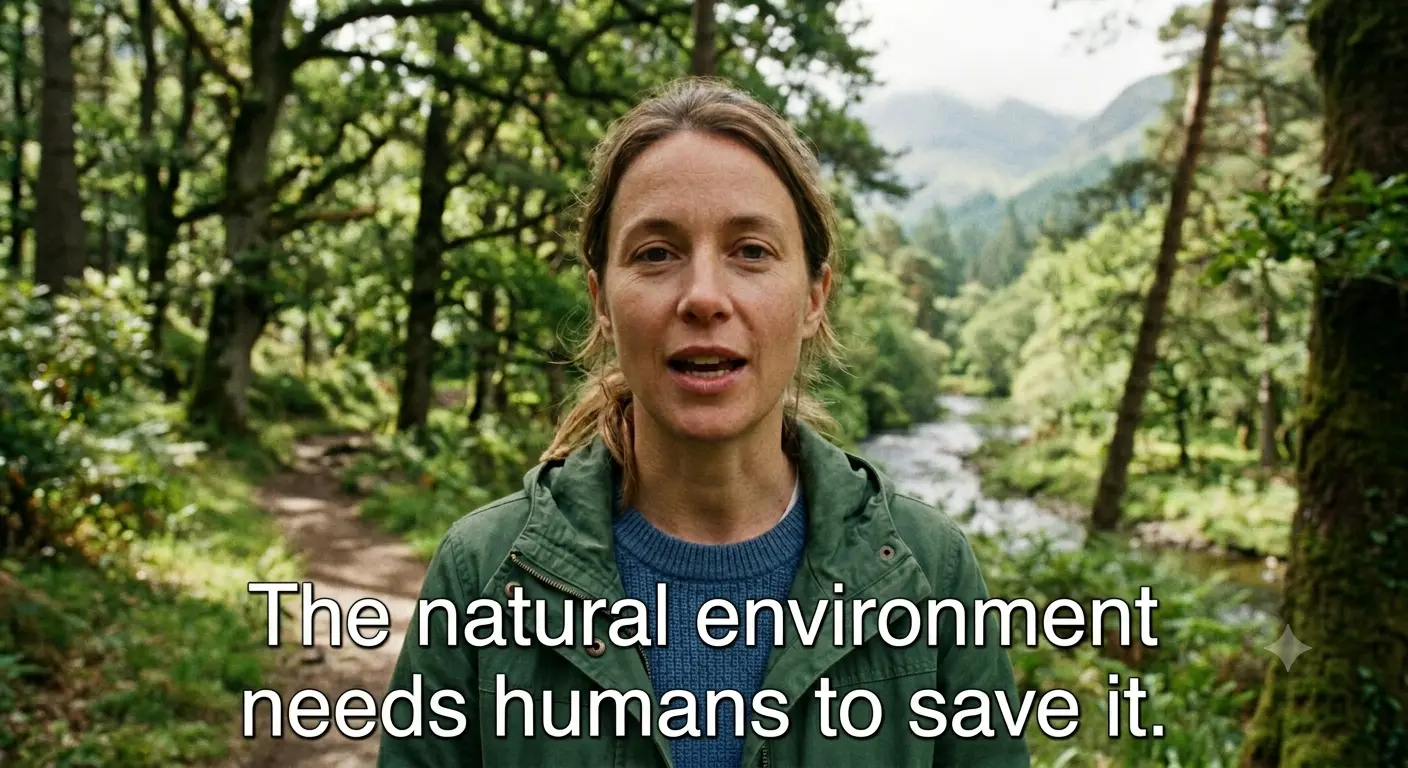
Erase hardcoded captions before localization or re-captioning, so the new translation can go on as a separate, editable subtitle track.
Box select reaches a watermark anywhere in the frame, Auto clears ordinary subtitles for a third of the price, billing follows the real clip length, and your files are deleted after 30 days.

01
Draw a box around a corner logo, a centered watermark, or several marks at once. The fine-grained model rebuilds the texture behind each region instead of smearing it, so the cleaned area keeps its detail.


02
Watermark removal is billed at 3 credits per second of actual video and never rounded up to a full minute. Uploads of up to 1 GB and 2K are kept for 30 days so you can download the result, then deleted — and never used for training.
What decides whether the result will be clean, and when you should not remove a watermark at all.
This tool is for anything burned into the picture: watermarks, logos, and hardcoded subtitles. If a subtitle track can be switched off in your player, it is a soft track — remove that track instead; no AI reconstruction is needed.
A watermark that stays in one place is the easiest case: draw one box around it. If the mark moves or jumps between positions, draw a box that covers every position it passes through, or one box per position.
Temporal inpainting rebuilds the covered area from neighboring frames. Blur, cropping, mosaic, and delogo-style filters only hide or smudge the mark, and the patch stays visible.
Only remove watermarks from videos you own or are authorized to edit. A watermark often identifies the copyright holder, and removing it does not give you the right to use the footage.
Choose an MP4, MOV, MKV or WebM file up to 1 GB and 2K resolution. The workspace reads the duration and dimensions in your browser before anything is uploaded.
Box select is on by default: drag a box slightly larger than the watermark so its outline and shadow are included, and add one per extra logo or overlay. For ordinary subtitles in the lower half of the frame, switch to Auto instead.
The model analyzes the frames before and after each moment, removes the marked watermark, and reconstructs the motion, texture, and lighting behind it.
Compare before and after, paying attention to moments where the background moves fast or a face passes under the mark, then download the clean MP4.
Some watermark removal services bill each started minute as a complete minute. Subtitle Remover uses the video's actual duration in seconds, so unused seconds are never added to the bill.
Billing unit
Subtitle RemoverActual video seconds
Typical per-minute providersEach started minute
10-second video
Subtitle RemoverBilled for 10 seconds
Typical per-minute providersBilled as 1 full minute — 50 unused seconds
61-second video
Subtitle RemoverBilled for 61 seconds
Typical per-minute providersBilled as 2 full minutes — 59 unused seconds
Upload a clip, draw a box around the watermark, and download a clean version once processing finishes (usually 12–20 minutes).
By the Subtitle Remover team ·