From $2.99/mo · pay per second

Subtitle Remover for Any Video

High-frame-rate OCR subtitle detection that precisely identifies and locates the subtitles in video and erases them.

Billed per second of video, supports 2K resolution input, file uploads up to 1GB

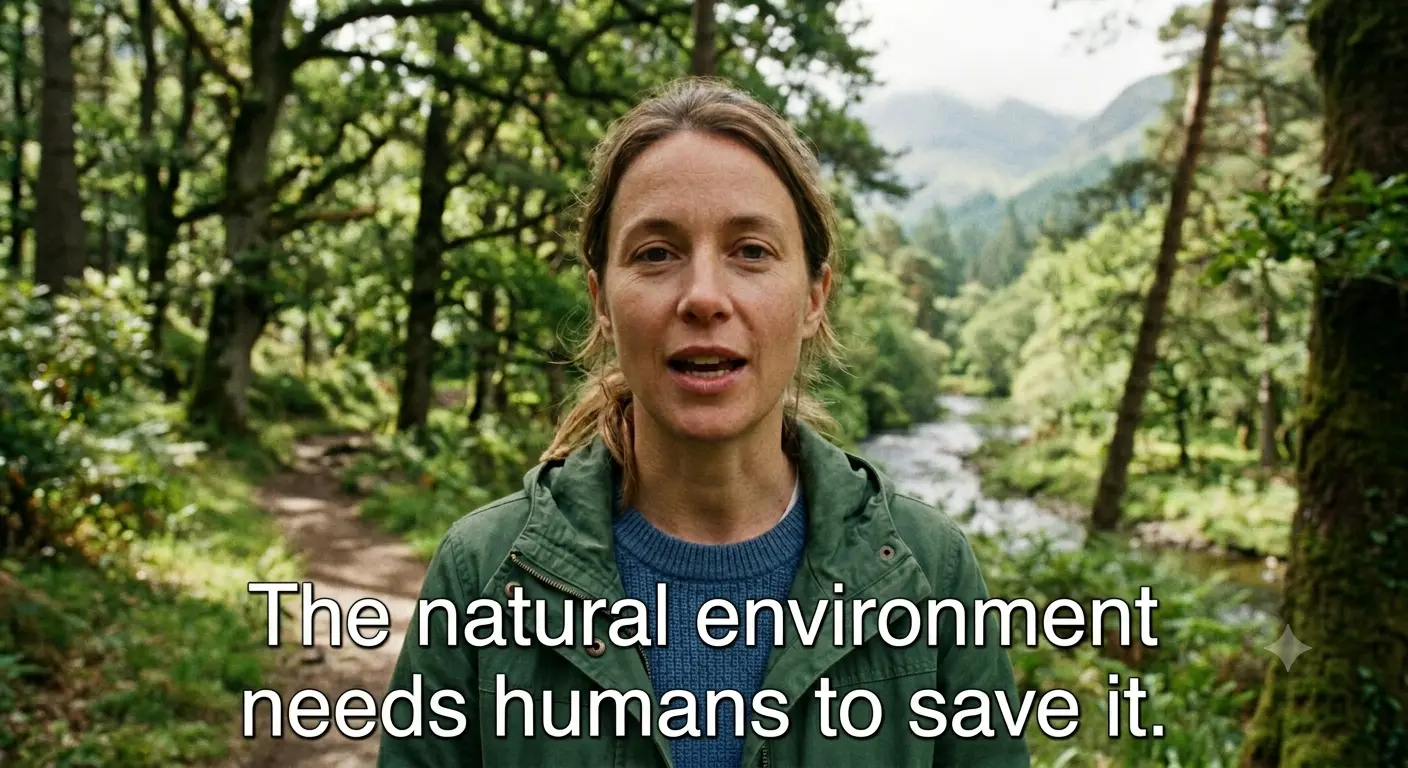
with subtitles
subtitles removed
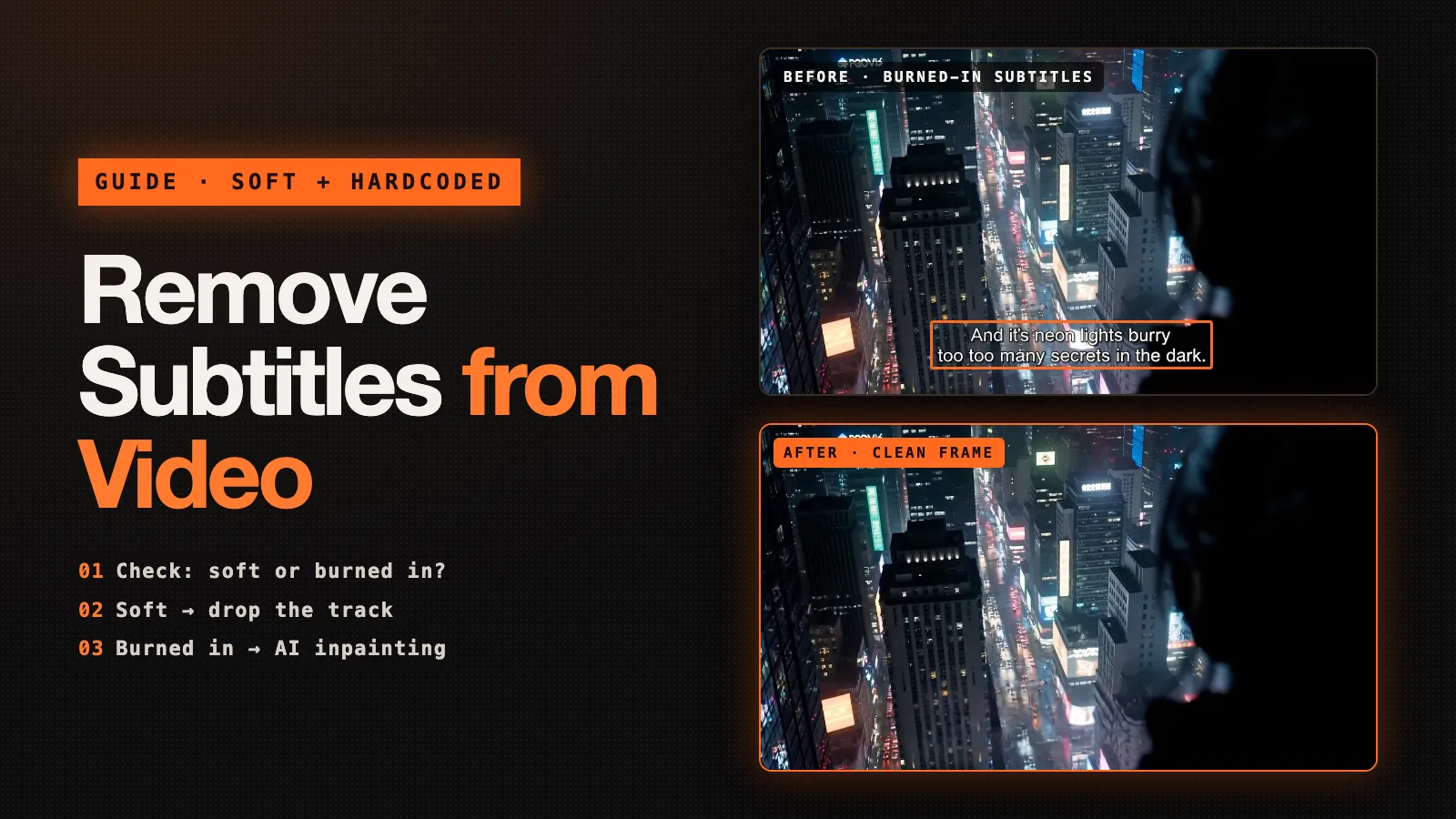
▍with subtitles
subtitles removed ✓
with subtitles
subtitles removed
▍with subtitles
subtitles removed ✓

What is Subtitle Remover

Subtitle Remover is an AI tool that erases hard-coded subtitles, captions, watermarks and on-screen text from any video — reconstructing what was actually behind them, frame by frame, for truly clean subtitle removal.

No blur, no black bar

Most tools mosaic or cover subtitles with a fuzzy patch. We reconstruct the real pixels behind the text for genuinely clean subtitle removal.

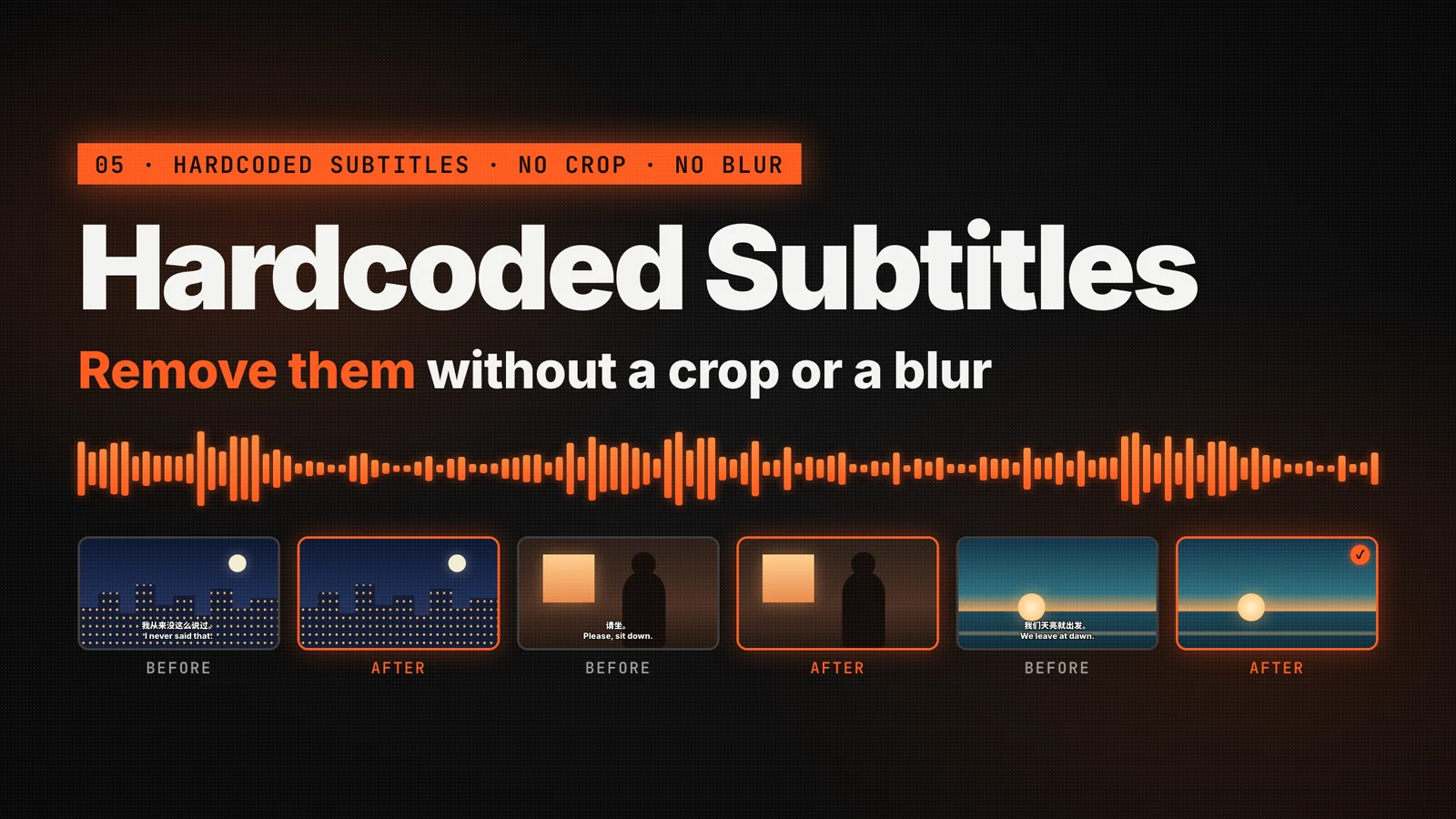
Hard-coded captions & watermarks

Burned-in Chinese / English subtitles, channel watermarks, logos and on-screen text all get cleanly erased.

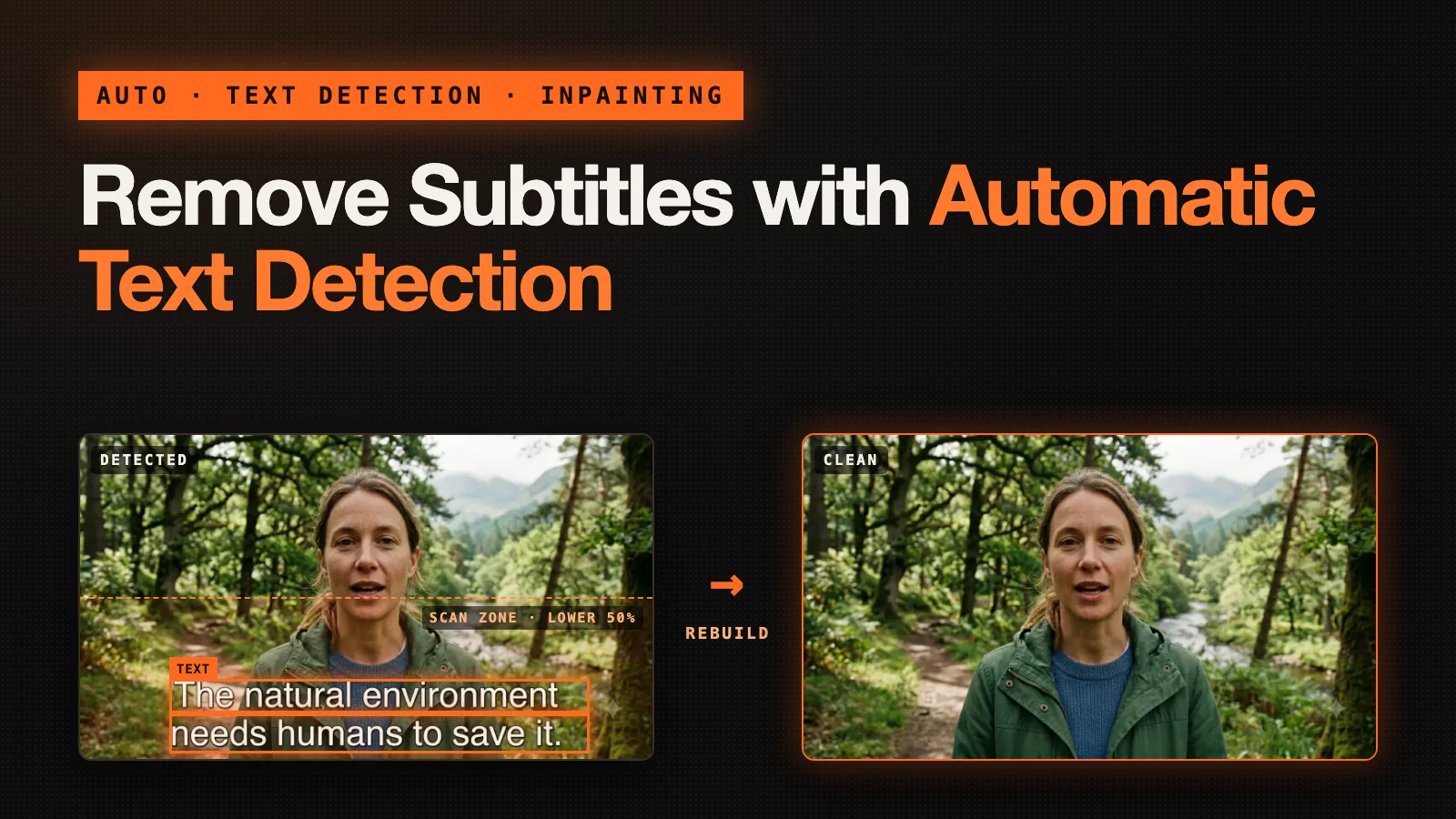
Auto-detect or manual boxes

Let OCR find captions for automatic subtitle cleanup, or draw boxes yourself for surgical control over what gets erased.

Up to 1080p output

Source up to 2K and export a clean 1080p MP4. Processing runs in the background — a typical clip takes about 12–20 minutes.

Why Choose Subtitle Remover

A subtitle remover built around a temporal inpainting model — clean results, fair pricing, and your videos stay private.

The model looks at frames before and after to rebuild the missing pixels — real subtitle erasing, not a single-frame blur or mosaic.

with subtitles
subtitles removed
▍with subtitles
subtitles removed ✓

How to remove subtitles

Clean subtitles, captions and watermarks out of any video in a few simple steps:

1

Upload your clip

Drag & drop any MP4 / MOV / MKV. We read the duration and resolution automatically. Input can be up to 2K, but output is 1080p at most.

2

Pick auto or manual

Auto-detect subtitles at the bottom of the frame, or draw boxes around exactly the text, watermark or logo you want erased.

3

Let the AI rebuild

Our temporal inpainting model cleans every frame, reconstructing the pixels behind the subtitles.

4

Download the clean video

Export a subtitle-free 1080p MP4. Files stay in storage for 30 days, then auto-delete.

Key Features of Subtitle Remover

Everything you need to remove, erase and clean up subtitles, captions and watermarks from video.

Auto subtitle detection

OCR automatically finds bottom-screen captions for one-click subtitle removal.

Manual region erase

Draw boxes around any on-screen text, watermark or logo for precise subtitle erasing.

AI pixel reconstruction

Temporal inpainting rebuilds what's behind the text — no blur, mosaic or black bars.

Hard-coded subtitle removal

Remove burned-in captions in any language, including Chinese and English subtitles.

Watermark & logo cleanup

Clean up channel watermarks, logos and overlays baked into the picture.

1080p export & privacy

Clean MP4 output up to 1080p, 30-day auto-delete, and we never train on your videos.

Built for real-world video files

The same limits apply on every plan, including free credits.

1 GB Max upload size

1 GB

Max upload size

2K Max input resolution

2K

Max input resolution

1080p MP4 output

1080p

MP4 output

Frequently Asked Questions About Removing Subtitles

Have another question? Contact us by email and we'll help.


Can't find what you're looking for? Reach our support team

Related Guides

Remove subtitles from your video now

Upload a clip and get a clean, subtitle-free video — subtitle removal, erasing and cleanup all in one place.

DokeyAIFeatured on There's An AI For ThatFeatured on ToolPilot

By the Subtitle Remover team ·