
あらゆる動画のための 動画字幕除去
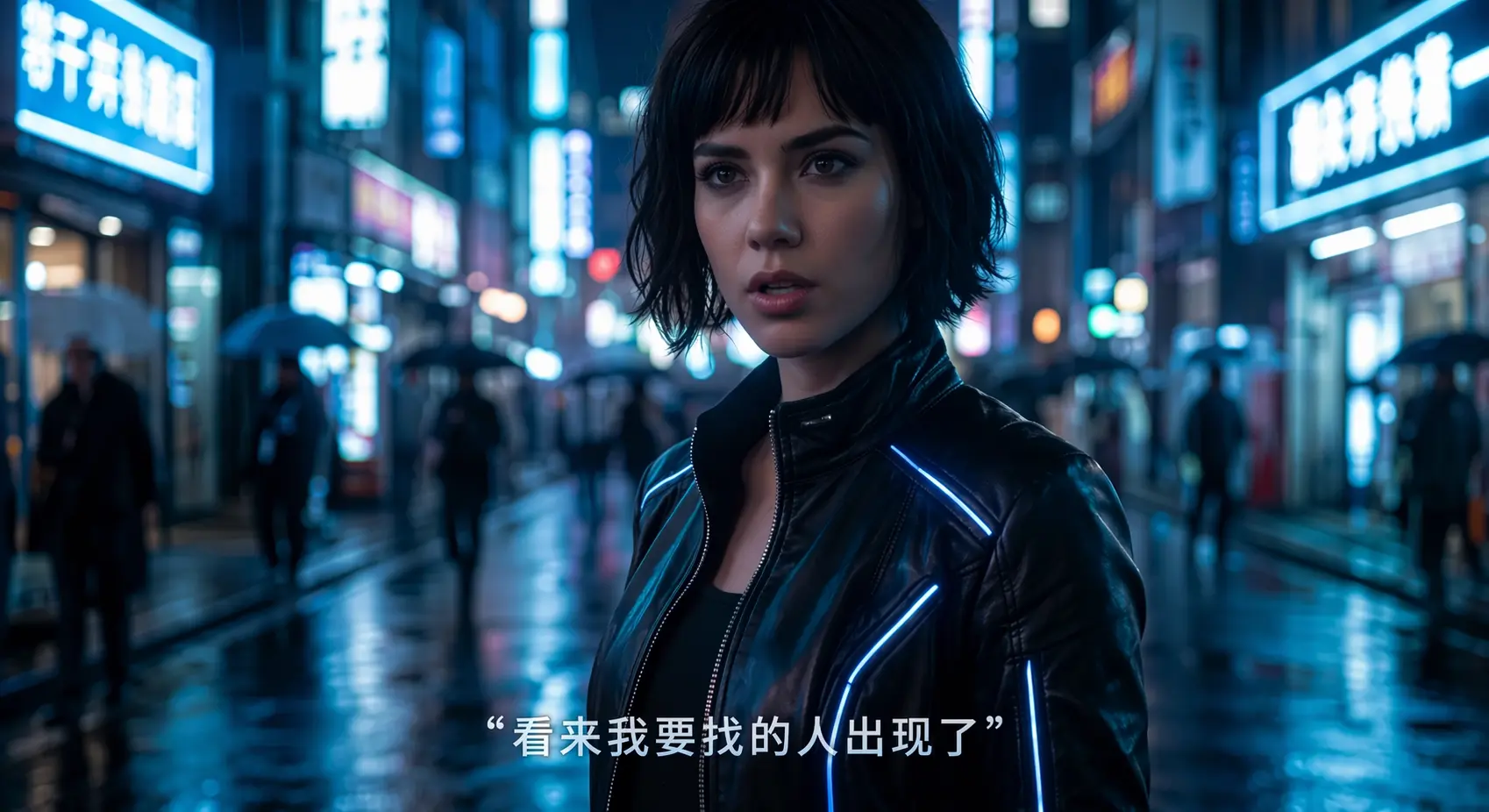
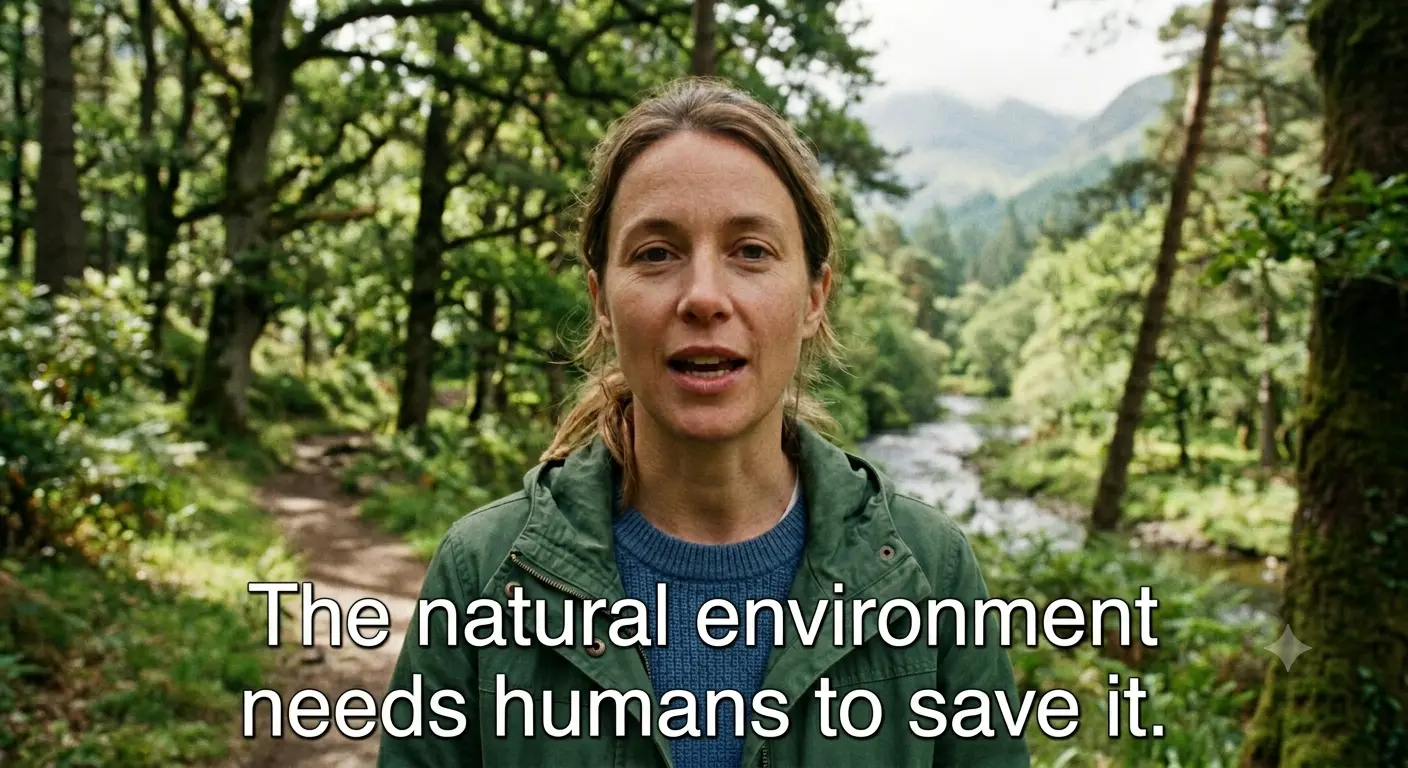
高フレームレートのOCR字幕検出で、動画内の字幕を正確に特定・追跡して消去します。
動画の長さに応じた秒単位課金、2K解像度の入力に対応、ファイルアップロードは最大1GB




関連ガイド
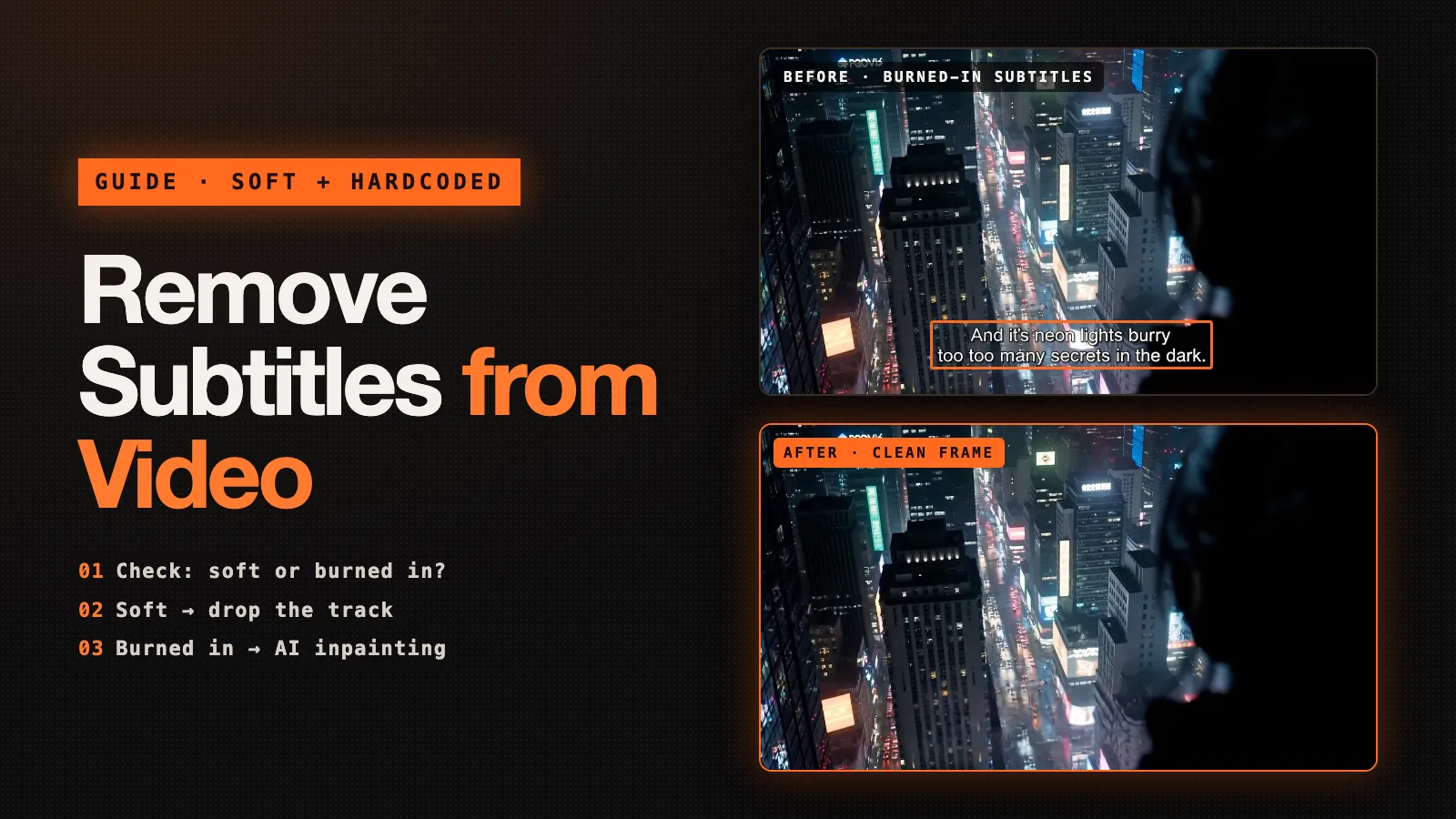
Remove Subtitles from Video
How to remove subtitles from video, whether they are a soft track you can delete for free or burned into the picture. FFmpeg, MKVToolNix, HandBrake and YouTube steps, plus AI removal for hardcoded subtitles.
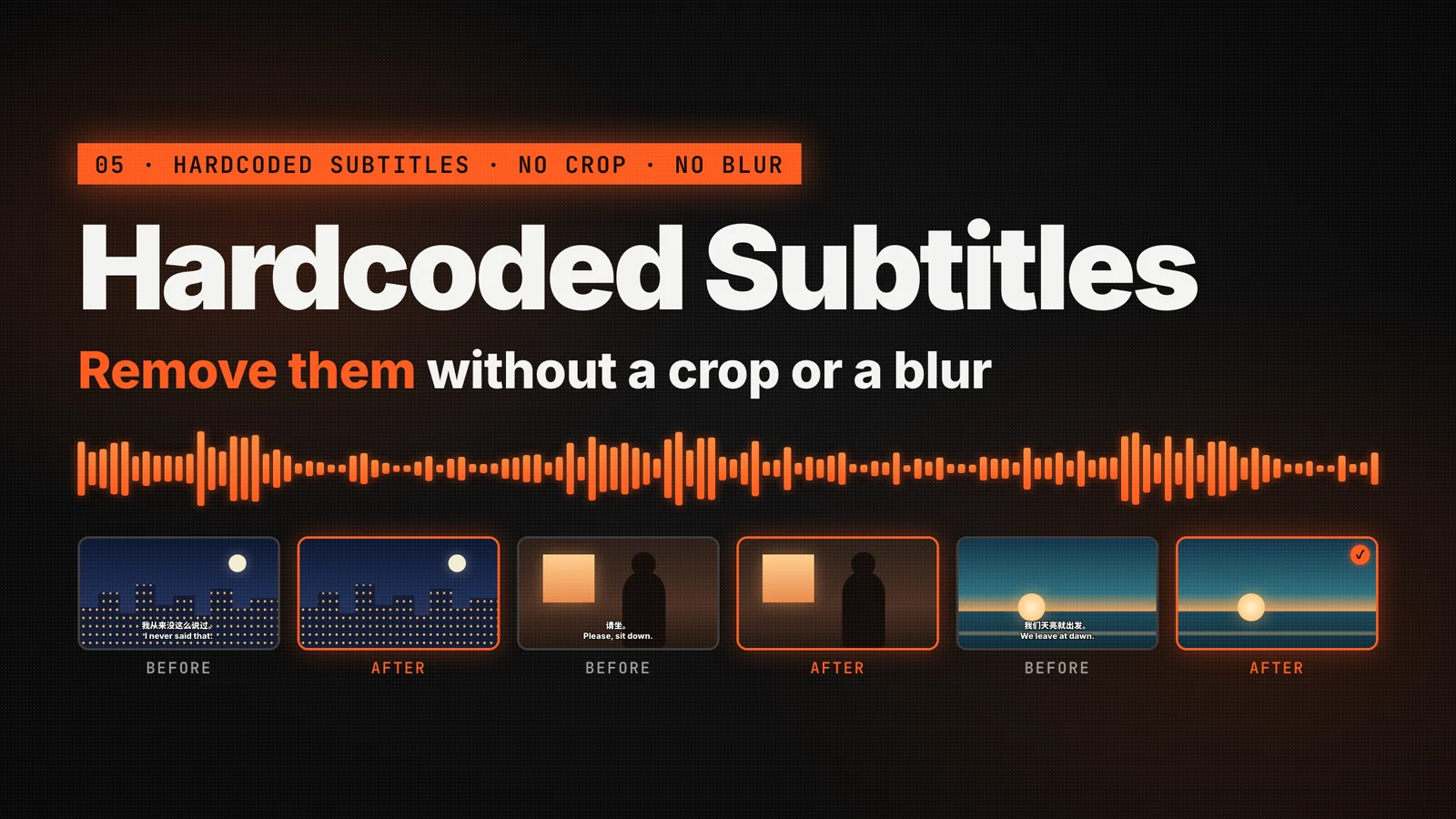
How to Remove Hardcoded Subtitles from Video
Learn how to remove hardcoded subtitles from video without cropping or covering the frame. Compare common methods and clean burned-in captions with AI.
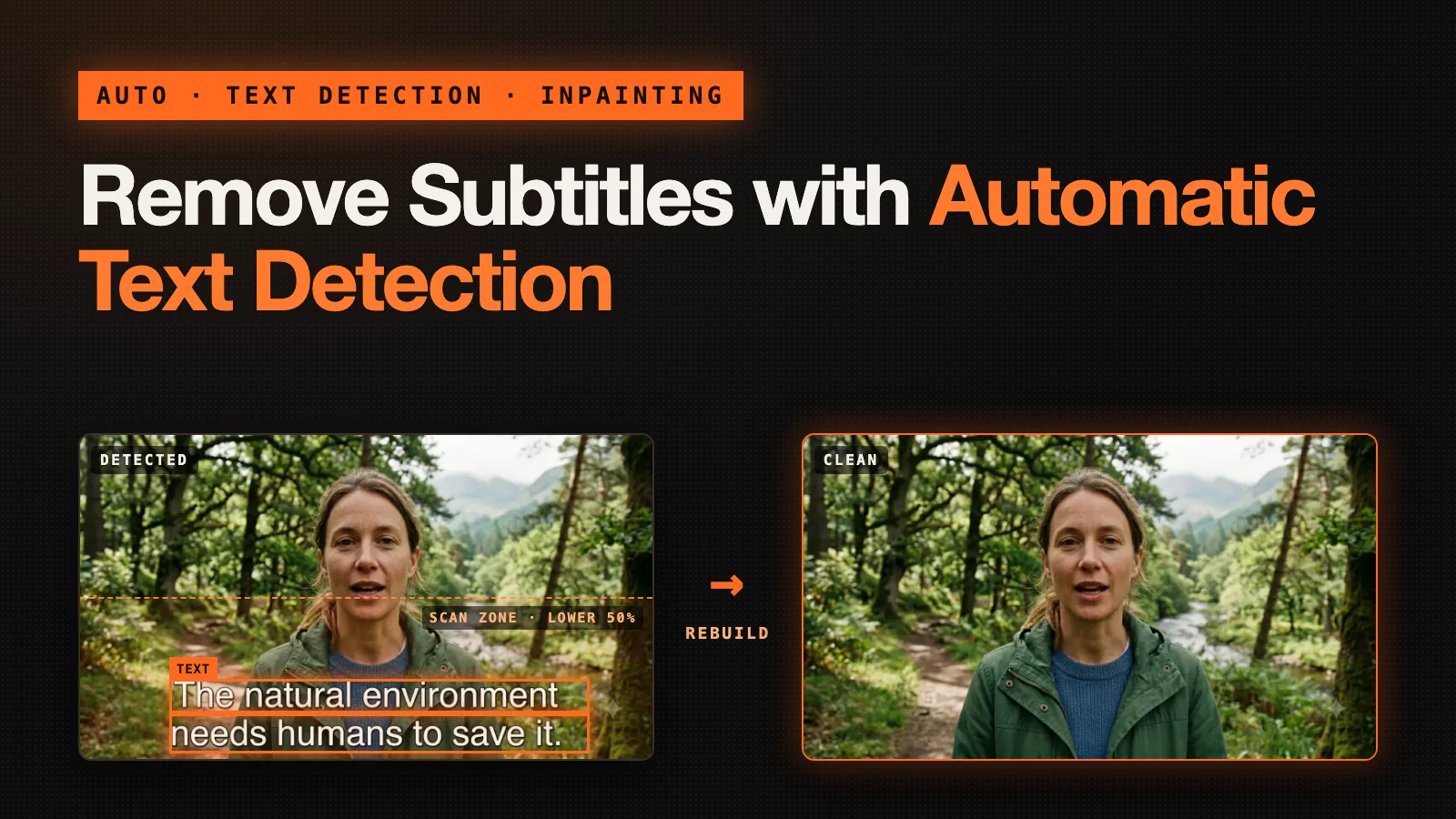
Remove Subtitles with Automatic Text Detection
Remove subtitles with automatic text detection. Learn how Auto mode finds burned-in subtitle lines on its own, when to switch to Box select, and how to clean a clip step by step.
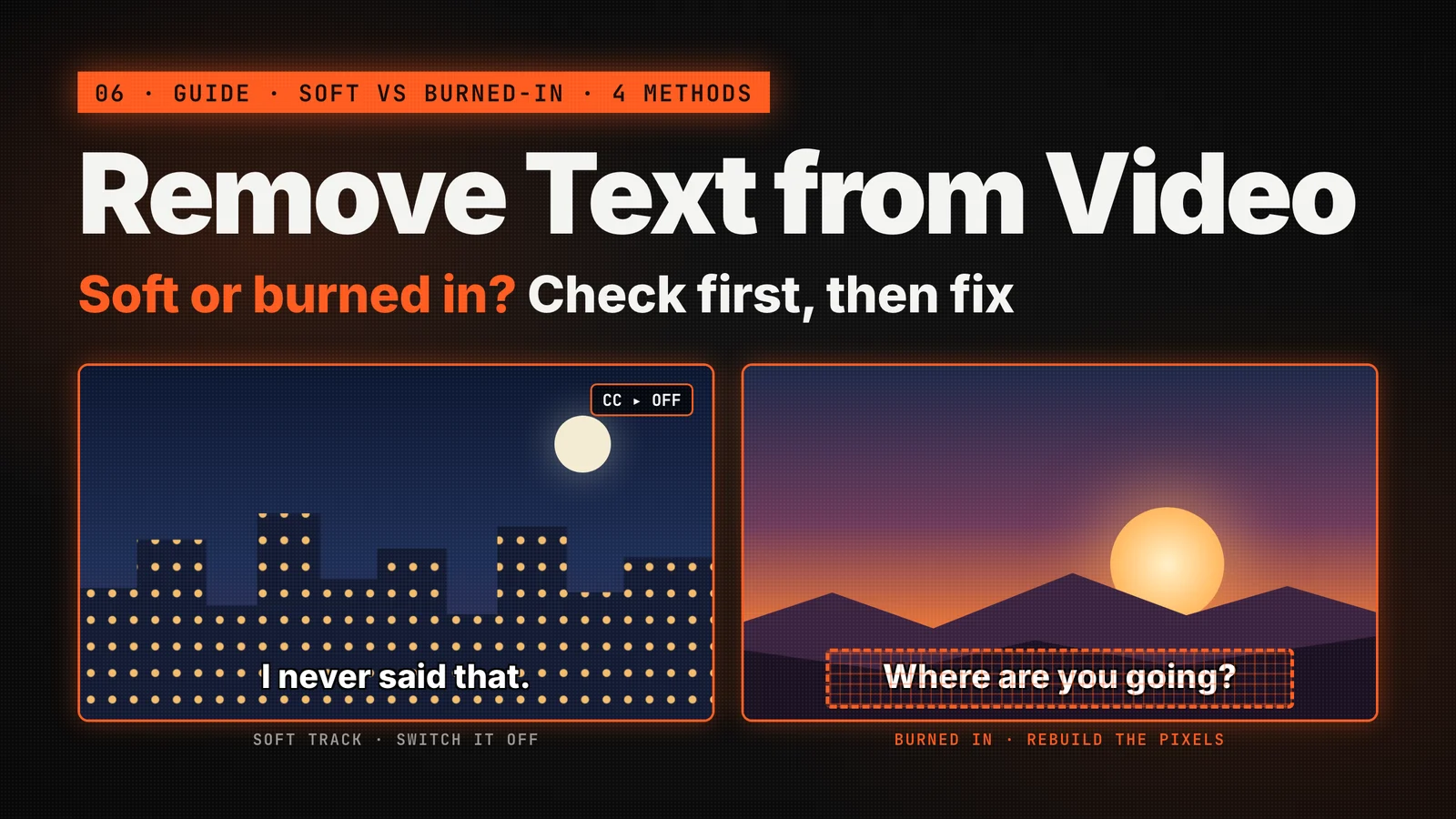
How to Remove Text from Video
Learn how to remove text from video, including burned-in subtitles, captions, watermarks and on-screen titles. Compare crop, blur and AI inpainting, then clean a clip step by step.
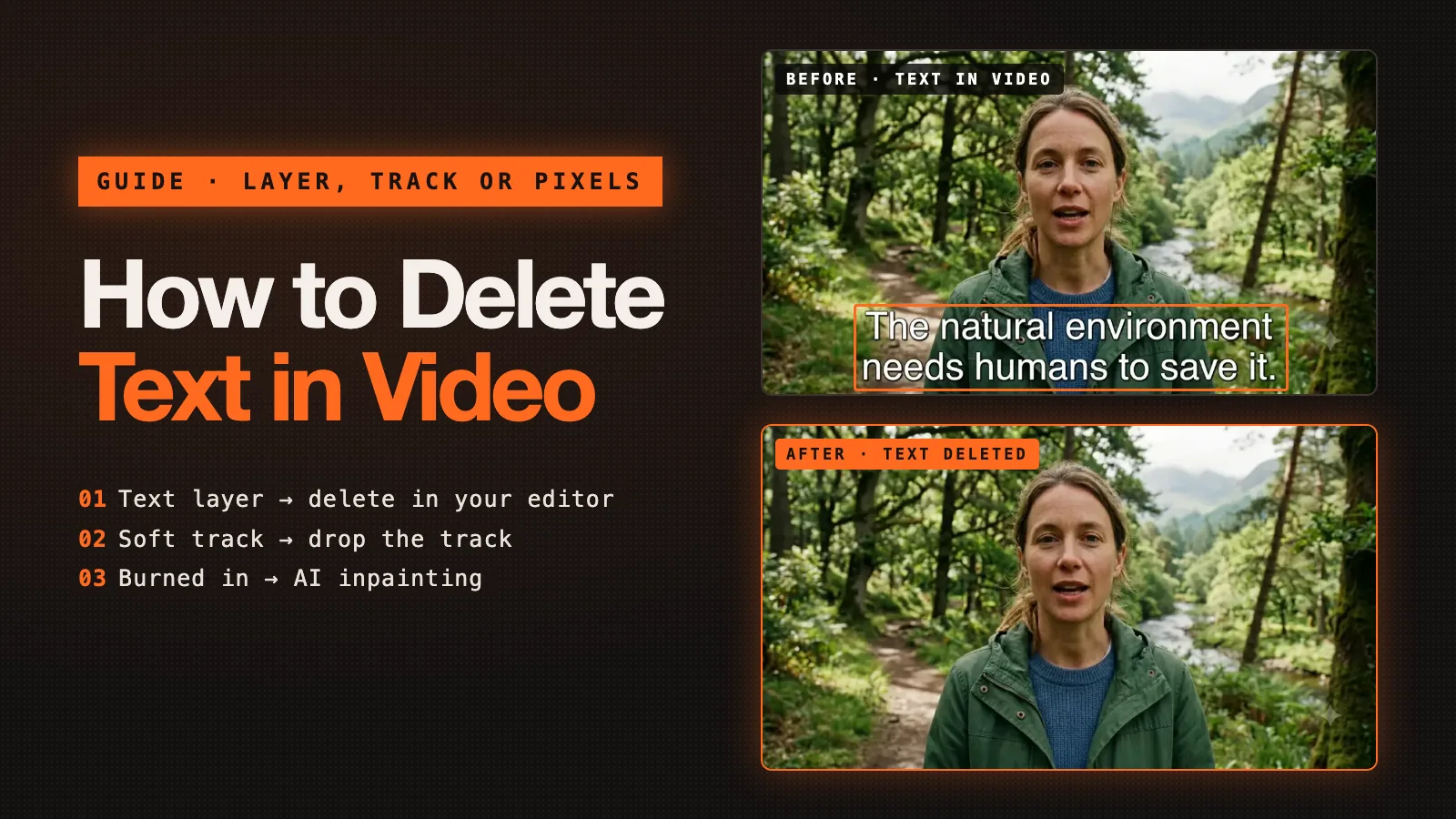
How to Delete Text in Video
How to delete text in video in iMovie, Premiere Pro, Resolve, Canva or CapCut, how to drop a subtitle track, and how to delete hardcoded subtitles with AI.

What is Subtitle Remover
Subtitle Remover is an AI tool that erases hard-coded subtitles, captions, watermarks and on-screen text from any video, reconstructing the pixels behind them frame by frame for truly clean results.


Subtitle Remover チーム ·